

A distinct SaaS interface
Create a recognizable visual foundation for onboarding, account screens, and your dashboard.
Custom App Design
Create your own colors, typography, and spacing in Bezel. Preview them on real interfaces and give your AI agents a design system that reflects your brand.
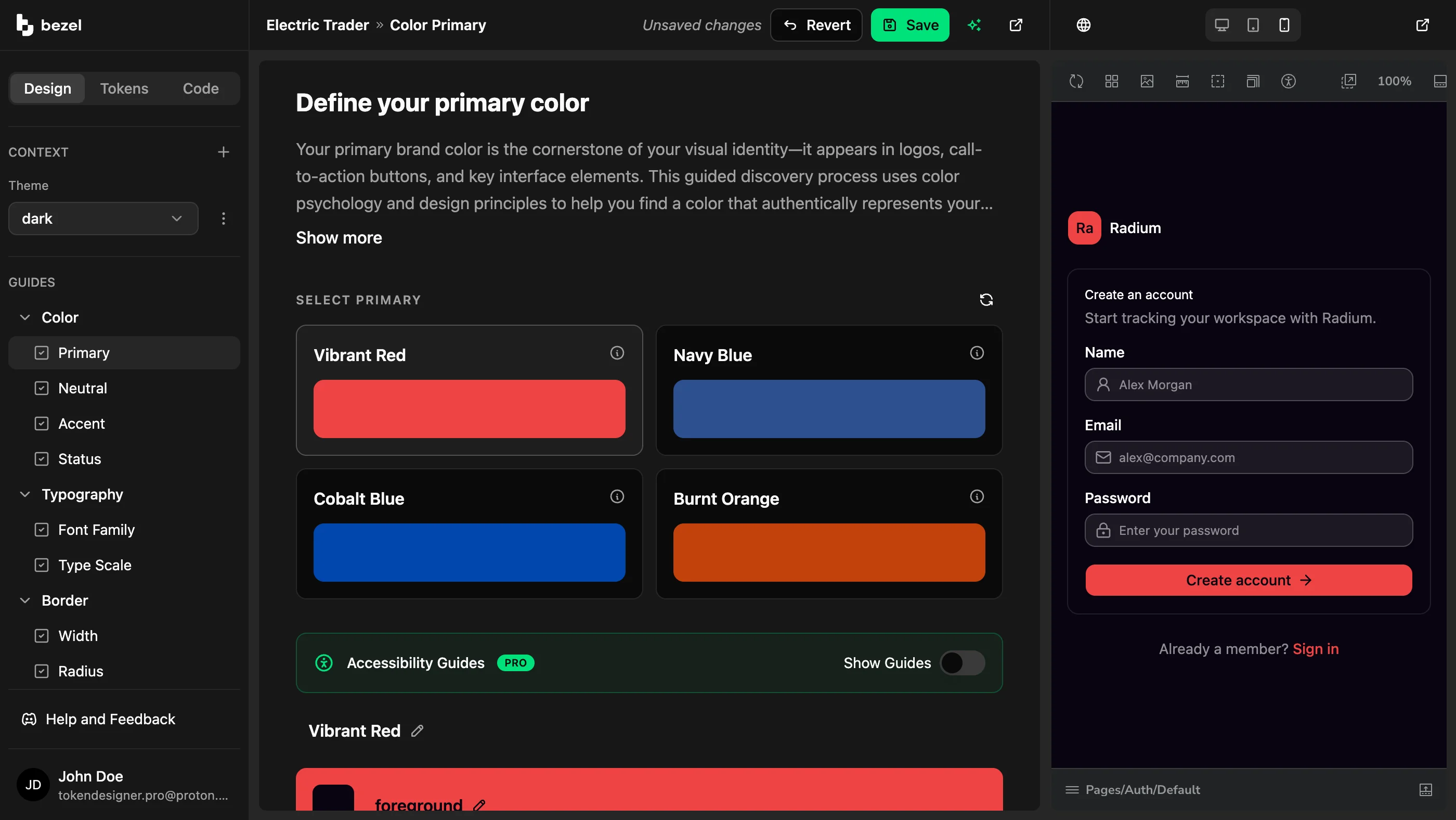
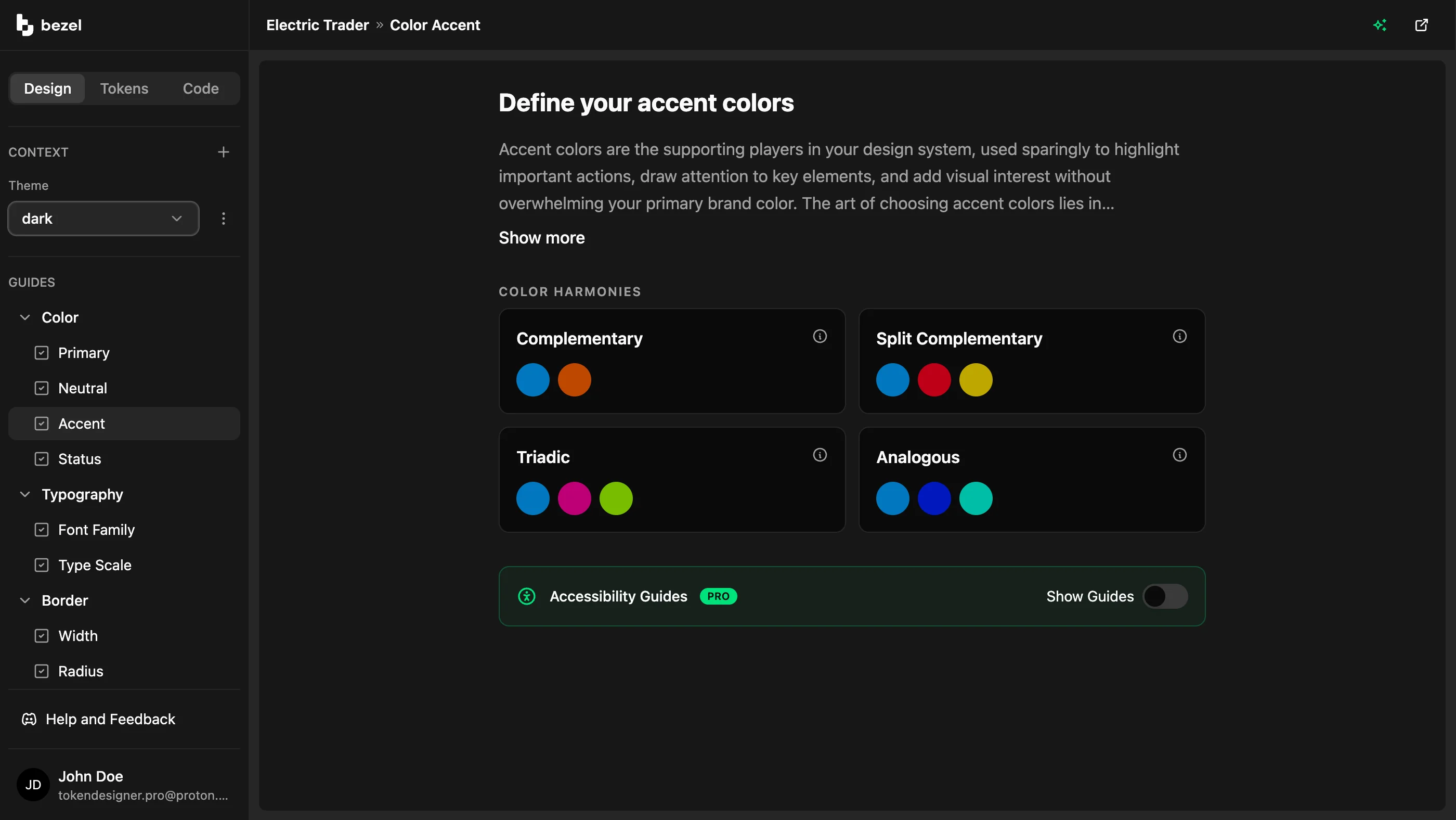
Custom colors and typography
Turn your product’s personality into a palette, type scale, spacing, and shape. Use Bezel’s design guides and AI assistance to explore your direction and refine the details that make it recognizable.
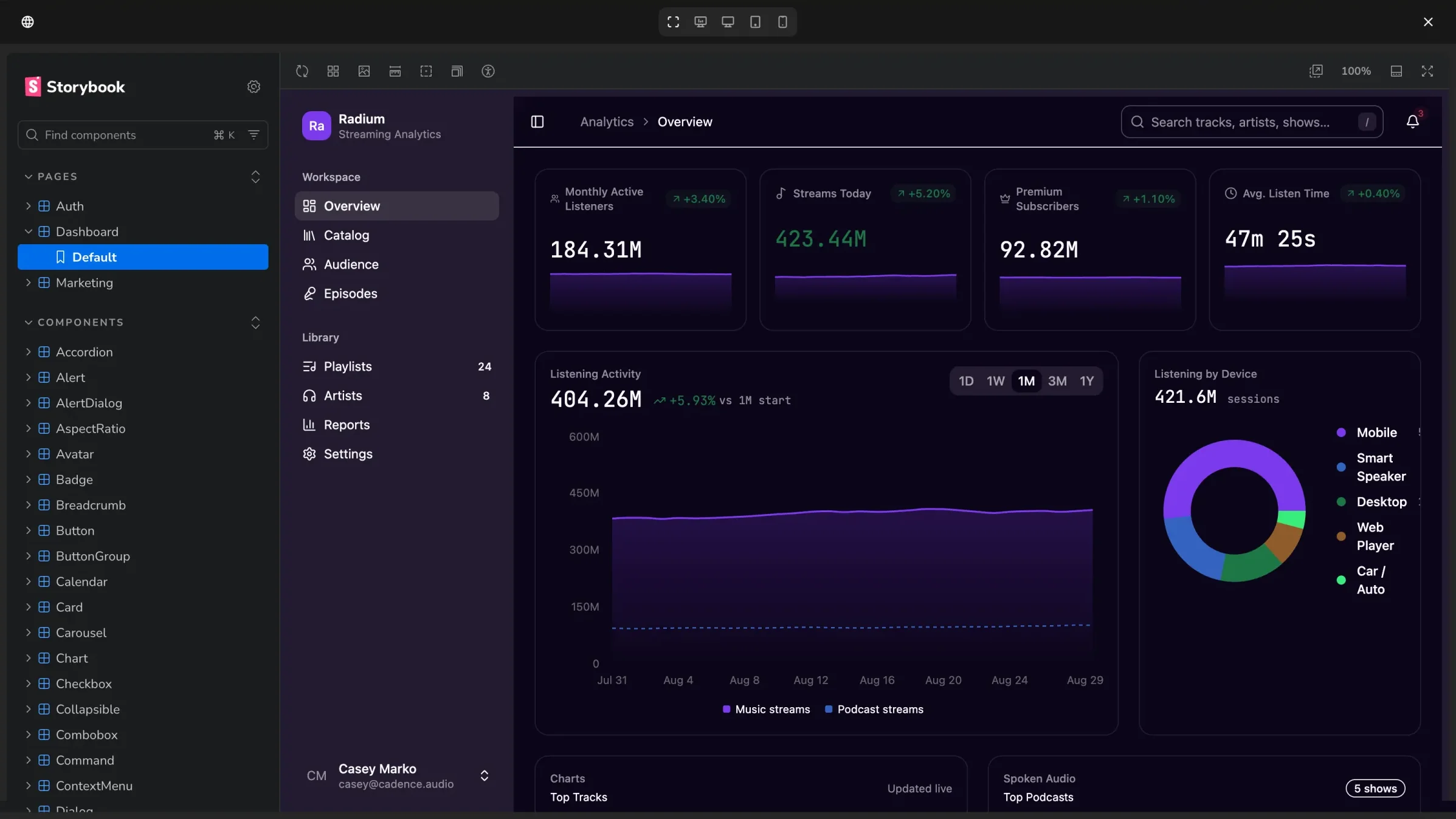
Design in code
Preview token changes on connected components as you adjust the design. Check how your choices work together on buttons, forms, and dashboard screens before publishing your system.
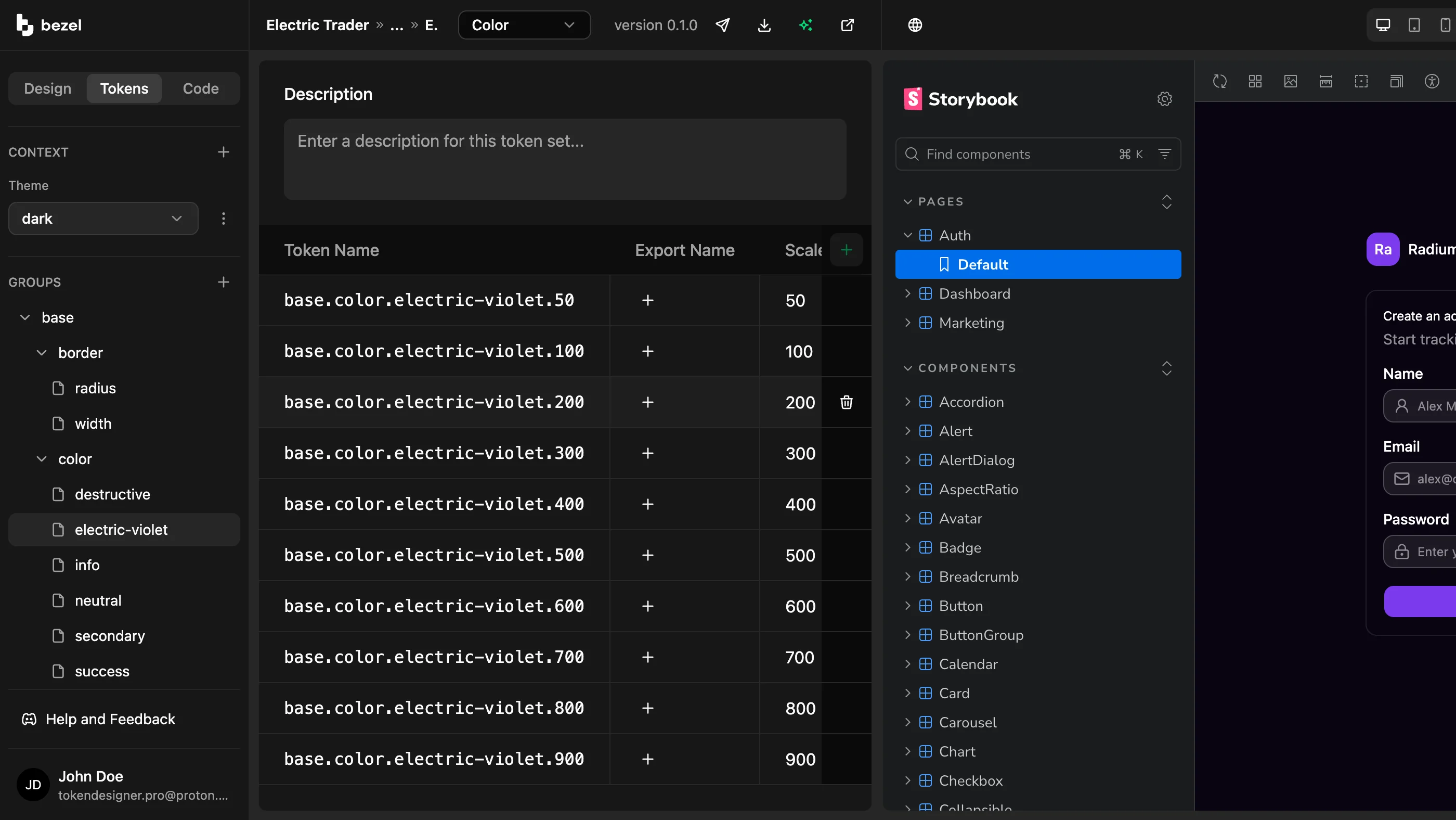
Design tokens for AI agents
Connect a compatible agent through Bezel MCP to retrieve your tokens and guidelines. Give each new screen the same visual foundation instead of describing every font, color, and spacing choice again.
Create a recognizable visual foundation for onboarding, account screens, and your dashboard.
Use the same colors and typography in your product and marketing site.
Share your existing tokens with your coding agent before building the next feature.
Refine your design in Bezel, then bring it into the tools you use to build.
FAQ
Same System
AI lets one person build at a speed that previously required a team.
Bezel for Solo Founders & Indie BuildersBezel helps startups turn early design decisions into a reusable system for their SaaS product and website.
Bezel for Startups & Small TeamsBezel helps product and engineering teams reduce UI design drift with shared tokens, component previews, and design context for AI coding agents.
Bezel for Product & Engineering TeamsBezel gives design system teams a workflow for managing semantic tokens, previewing component changes, and publishing reusable design decisions.
Bezel for Design System TeamsBezel helps marketing and brand teams create a reusable design foundation for websites, campaign pages, and email templates.
Bezel for Marketing & Brand TeamsCreate shared design tokens, preview them on real components, and give your AI agents a consistent foundation for dashboards, admin panels, and business apps..
Bezel for Internal Tools & DashboardsBezel renders your own site beside the editor and restyles it as you change tokens.
Bezel for Share Design ChangesFree plan · No credit card required
Create your design tokens, preview your brand on real interfaces, and share the system with your coding agent.