

Stakeholder sign-off
Show leadership a new primary color or type scale on the real product instead of a slide, and get the decision in one sitting.
Bezel for Design Reviews
Bezel renders your own site beside the editor and restyles it as you change tokens. Try a new color, typeface, or spacing scale on the real product, walk your team through it on real screens, and publish a version only once the decision is made.
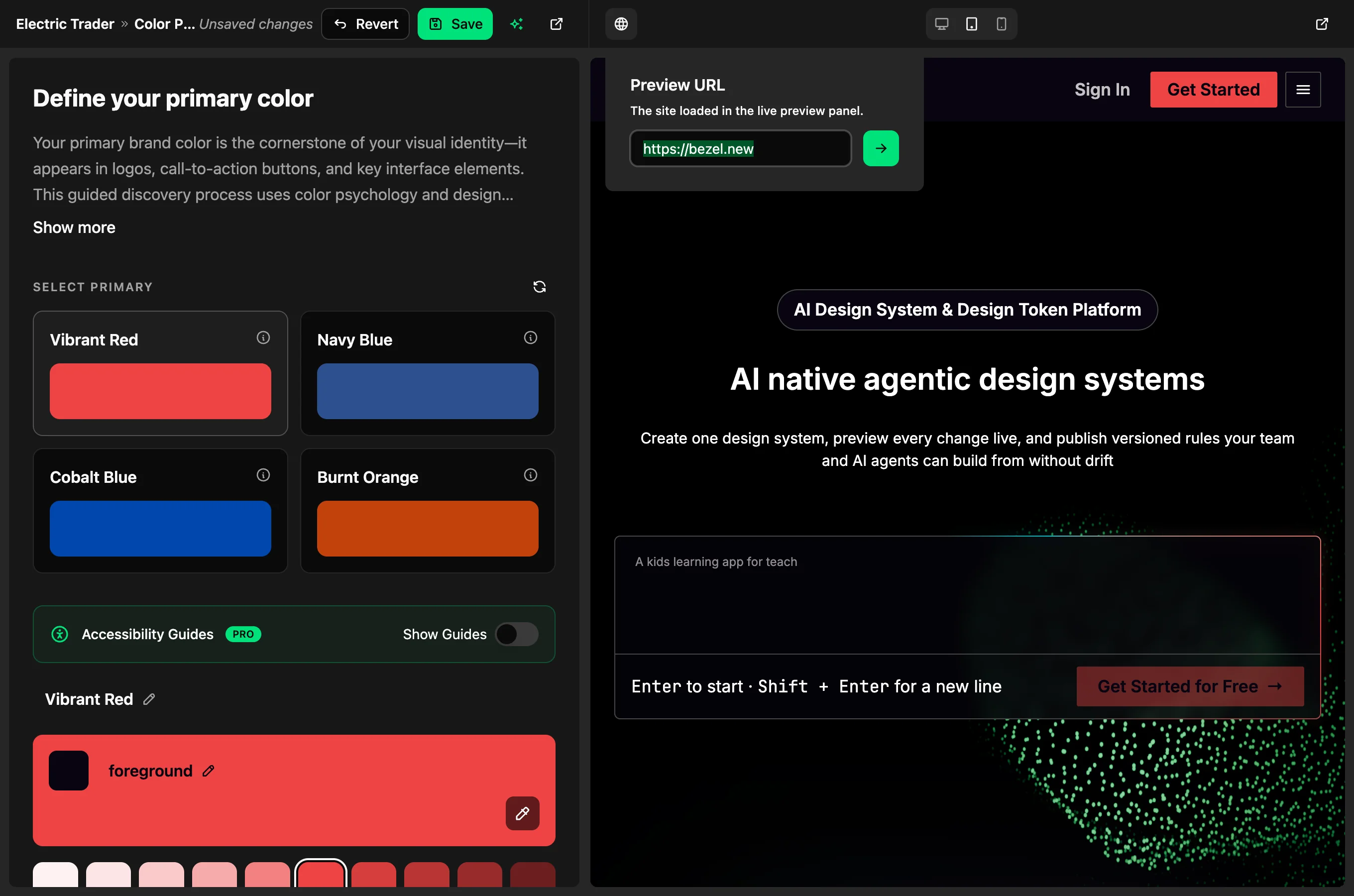
Review on real screens
A palette that works in a mockup can fall apart in a dense dashboard. Bezel generates CSS custom properties from your tokens and posts them into the preview, so the change shows up on your real pages with your real content.
Nothing is rebuilt and nothing is deployed. Switch the theme to check dark mode, change the device width to check a phone layout, and revert if it does not hold up.
Crystal receiver
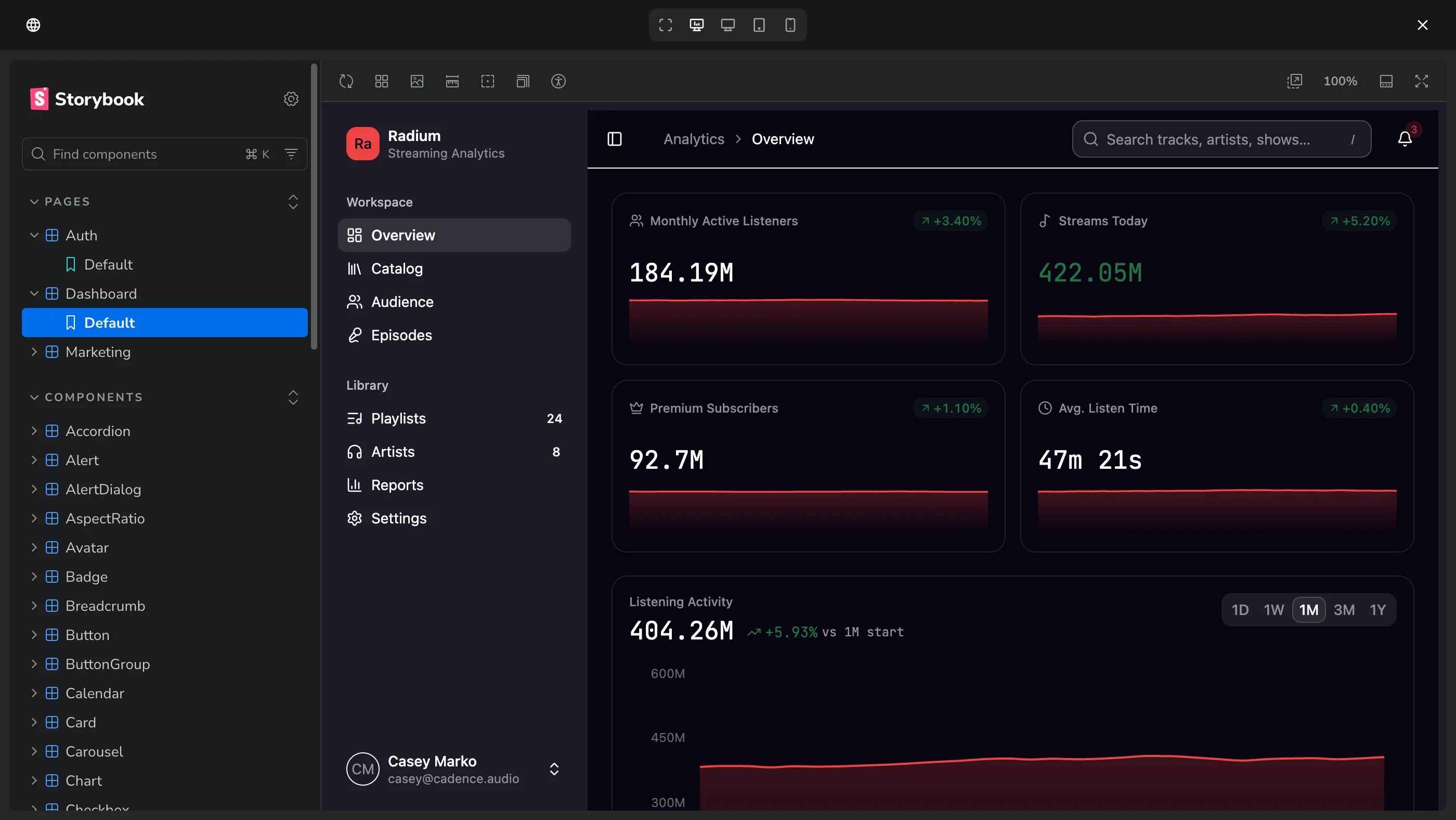
Install @bezel-labs/crystal in your app and start the receiver with the Bezel origin allowlisted. From then on the preview panel can push live token updates into that app, whether it is a Storybook, a staging site, or a local dev server.
Crystal is framework-agnostic and has no runtime dependencies. It is free to use in your own products, and the source is public on GitHub.
❯ npm install @bezel-labs/crystaladded 1 package in 2s❯ cat src/live-preview.tsimport { startLivePreviewReceiver } from '@bezel-labs/crystal';startLivePreviewReceiver({ allowedOrigins: ['https://app.bezel.new'], styleId: 'live-preview-styles'});
Inside Crystal
Crystal has three parts. The sender runs inside Bezel and posts CSS and font requests to a specific frame and origin. The receiver runs in your app, checks the origin, validates the CSS again, and writes it into one style element. A relay sits in nested hosts such as a Storybook manager and forwards each message one frame down.
Messages are plain postMessage events with two types, one for CSS and one for Google Fonts. The receiver announces when it is ready, so Bezel resends the current tokens after a reload instead of racing the page load.
Publish when the review is done
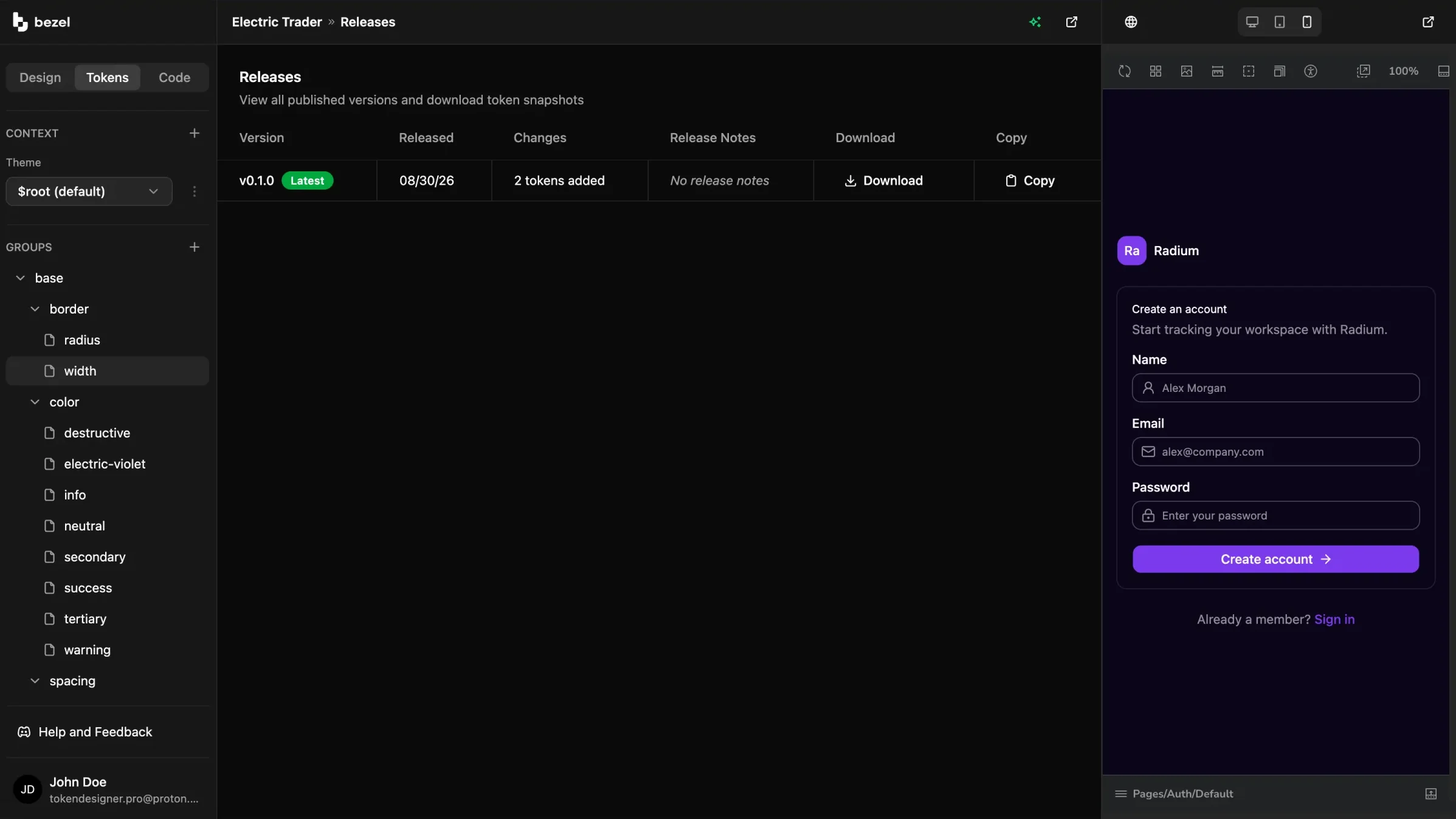
Everyone who opens the project sees the same preview with the same current tokens, so a review happens on one shared state rather than on screenshots passed around in chat.
When the change is agreed, publish a versioned snapshot. Developers pull the release into the codebase and compatible coding agents read it through Bezel MCP. Until then, nothing in your repository changes.
Show leadership a new primary color or type scale on the real product instead of a slide, and get the decision in one sitting.
Recolor every screen from a single token change and judge the whole product before committing design or engineering time.
Confirm a change holds up in dark mode and at phone and tablet widths before it reaches a pull request.
Use the parts of Bezel that fit your review, from a live preview on your own app to a published version your team can implement.
FAQ
Same System
AI lets one person build at a speed that previously required a team.
Bezel for Solo Founders & Indie BuildersBezel helps startups turn early design decisions into a reusable system for their SaaS product and website.
Bezel for Startups & Small TeamsCreate your own colors, typography, and spacing in Bezel.
Bezel for Custom App DesignBezel helps product and engineering teams reduce UI design drift with shared tokens, component previews, and design context for AI coding agents.
Bezel for Product & Engineering TeamsBezel gives design system teams a workflow for managing semantic tokens, previewing component changes, and publishing reusable design decisions.
Bezel for Design System TeamsBezel helps marketing and brand teams create a reusable design foundation for websites, campaign pages, and email templates.
Bezel for Marketing & Brand TeamsCreate shared design tokens, preview them on real components, and give your AI agents a consistent foundation for dashboards, admin panels, and business apps..
Bezel for Internal Tools & DashboardsFree plan · No credit card required
Create a project, point the preview at your app, and share the change before it ships.